
"How much internet do I need to stream IPTV?" is probably the most common technical question we get at Asgard. It is also a question with two kinds of answers: a quick and practical one, and a slightly longer one that explains why your neighbour with 1 Gbps still complains about buffering. Both are useful, and we will take them in that order.
The short answer: 10–15 Mbps covers HD on one device. 25 Mbps per device covers stable 4K. More than that is usually wasted; less than that is usually the reason you find yourself shouting at the TV. The rest of this article explains why those numbers are not always the whole story.
The bandwidth table everyone just wants
| Quality | Minimum | Comfortable |
|---|---|---|
| SD (480p) | 3 Mbps | 5 Mbps |
| HD (720p) | 5 Mbps | 8 Mbps |
| Full HD (1080p) | 8 Mbps | 15 Mbps |
| 4K / UHD | 20 Mbps | 25–35 Mbps |
These figures apply per simultaneously streaming device. Streaming Full HD on the living room TV while running HD on the iPad in the kitchen means you are using around 20 Mbps total. Add a 4K stream and you are pushing 45 Mbps. Norwegian 100 Mbps fibre lines handle this without flinching. A 20 Mbps DSL plan does not.
How many devices can I run at once?
The rule is simple: add up what each device needs and see if the total fits comfortably under what your line delivers. Add a few extra Mbps on top for general internet use — social media, email, background updates.
A practical example for a family of four:
- 4K stream in the living room: 25 Mbps
- Full HD in the bedroom: 10 Mbps
- HD on an iPad: 5 Mbps
- Spotify and general browsing on a phone: 5 Mbps
- Total: around 45 Mbps
This means most Norwegian households with 100 Mbps or more have plenty of headroom. If your house also runs a large game download or a work video call in another room, peaks can easily double.
Also check what your IPTV provider permits per subscription. We list this on our pricing page, where every plan states the maximum number of simultaneous streams.
Do not ignore the upload speed
People fixate on download speed to the point of forgetting that IPTV also sends small data back to the server — pings, authentication, EPG updates. It is not heavy, but if you have an asymmetric line of 100/10 Mbps and at the same time push a big video upload to the cloud, your IPTV stream can start to hiccup. It is rare, but it happens.
For pure IPTV, 1–2 Mbps of upload is more than enough. If you regularly send video, work from home, or share your screen during streaming, a fibre line with symmetric speeds is worth something.
Wi-Fi or ethernet cable?
The question is not "which is better" — obviously cable — but "when do I need to care".
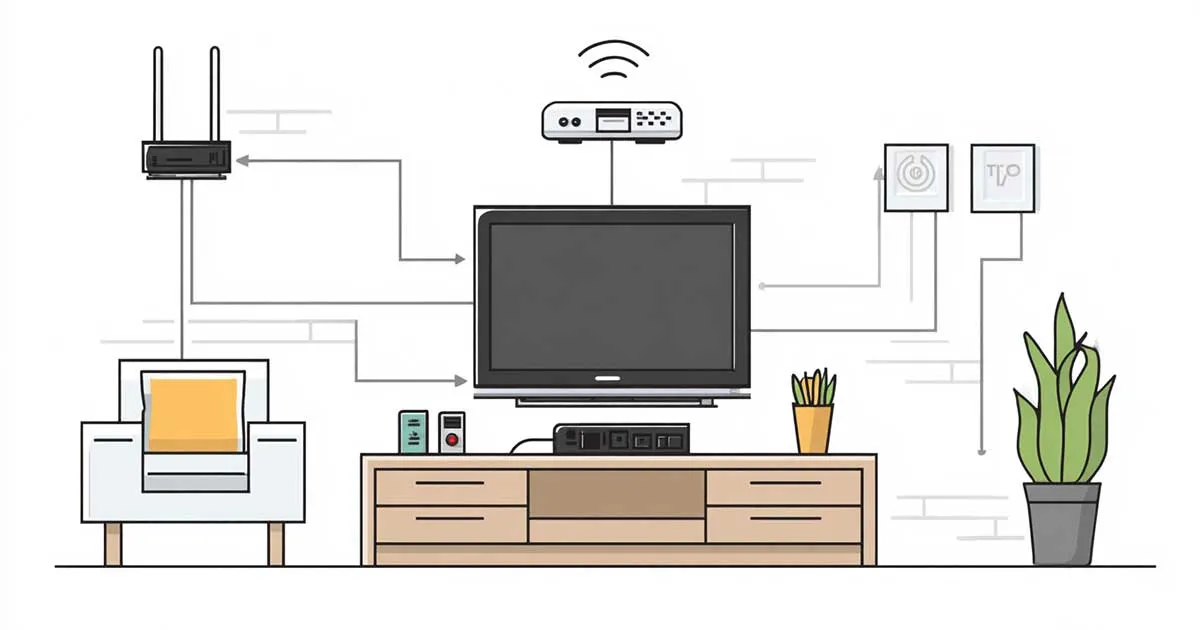
An ethernet cable straight to the TV or IPTV box gives you constant bandwidth without interference. It is the safest option, particularly for 4K and particularly if you live in an apartment block where the neighbours bombard the 2.4 GHz spectrum with their own routers.
Wi-Fi in 2026 is still perfectly usable for HD and usually for 4K. Three conditions need to be met:
- Your router supports Wi-Fi 5 or Wi-Fi 6. Older Wi-Fi 4 boxes struggle with 4K.
- The distance is reasonable. 5 GHz delivers higher speeds but with weaker reach through walls.
- The channel is not jammed. In a residential area at peak hours, the 2.4 GHz band is a traffic mess. Use 5 GHz, or even 6 GHz if your gear supports it.
Still stuttering? Run an ethernet cable or add a mesh node. This is the single easiest fix for IPTV and the rest of your streaming life.
What your speed test does not tell you
You run Speedtest.net, see 250 Mbps, and assume IPTV should be smooth as glass. And yet it stutters. What is going on?
Speed tests measure peak throughput in a short burst against a single server. They tell you nothing about:
- Packet loss: How many data packets disappear in transit. IPTV tolerates about 1 % before you notice. Over 2 % and the picture stalls regularly.
- Jitter: Variation in delay between packets. Low jitter is critical for live streaming. Mobile networks often have high jitter even when the headline speed looks fine.
- Bufferbloat: Long packet queues that build up when another device on the network saturates the line — typically a background update download. The result: ping shoots up even though bandwidth looks fine.
Test with tools like PingPlotter, Cloudflare Speed Test (which measures jitter), or Waveform Bufferbloat Test. These give you a much truer reading of whether your connection is actually IPTV-ready.
Mobile broadband, fibre or cable — what works best?
Fibre is the gold standard: low latency, low packet loss, symmetric speeds. If you have it, stop reading and enjoy yourself.
Cable (Get/Telia coax) is a strong second. Speed is fine, but the line is often shared with neighbours on the same node — so performance can dip in the evening when everyone watches TV together.
4G/5G mobile broadband works surprisingly well in 2026, especially 5G with a fixed antenna. The main issues are jitter and the fact that the tower load-balances dynamically, so performance varies through the day. For cabins and temporary setups it is excellent — see our IPTV at the cabin guide for details.
DSL and ADSL lines can handle HD if the speed is stable, but 4K viewing rarely works. Start asking about fibre rollout in your area — many Norwegian regions are already trenched, you just have to order.
Short version, for the impatient
HD streaming needs 10–15 Mbps per device. 4K needs 25 Mbps. Wi-Fi is fine if the router is modern and the distance is short. The speed test lies a little — also check packet loss and jitter. If you live in Norway in 2026 with a fibre line, you will rarely worry about bandwidth again.
Frequently asked questions
-
How much bandwidth does IPTV need?
5 Mbps for SD, 10–15 Mbps for HD and 25 Mbps or more per device for 4K. Numbers apply per simultaneously streaming device.
-
How many devices can stream IPTV at the same time?
Depends on your connection and subscription. A 100 Mbps fibre line comfortably handles four HD streams. Check maximum simultaneous streams on the pricing page.
-
Is Wi-Fi enough for 4K IPTV?
Usually yes, with Wi-Fi 5 or Wi-Fi 6 and a short distance to the router. For the most stable 4K, wired ethernet is still recommended.
-
Why does IPTV stutter when my speed test looks fine?
Speed tests show peak throughput, not packet loss or jitter. Use PingPlotter or Cloudflare Speed Test to see the full picture.
-
How much data does IPTV use per month?
Roughly 1.5 GB per hour HD, 7 GB per hour 4K. Three hours of daily HD viewing is around 135 GB per month. Details in our cabin guide.
Want to test how IPTV actually performs on your connection?
Asgard IPTV offers a paid 48-hour test plan at €4. Test from your own Wi-Fi, on your own devices, before committing to anything longer. No binding.